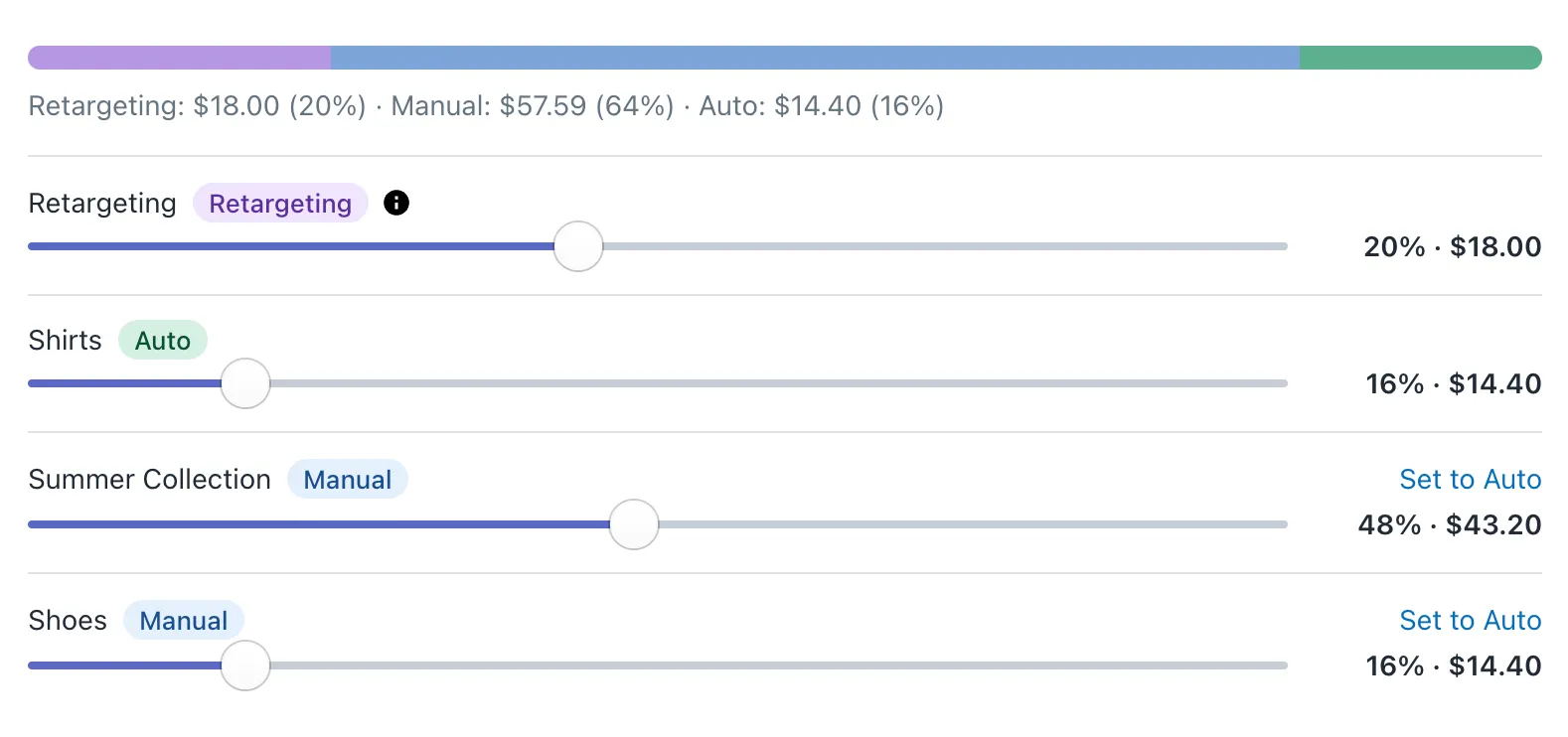
We have just rolled out a major visual update to all ad blocks used by stores on the Free (Standard) Plan.
This redesign is part of a broader set of improvements we are making to Adeagle ads – not only in how they look, but also in how effective they are at driving relevant traffic and sales.
Our main goal with this update was simple:
Make ads look better, feel more native, and blend naturally with modern Shopify themes.
What was redesigned?
All ad formats available on the Free (Standard) Plan now have a new, modern look:
- Topbar ads
- Banner ads
- Native ads
- Notification ads
Each format was carefully reworked to be cleaner, more minimal, and visually consistent across different Shopify themes.
Instead of standing out as obvious ads, the new blocks are designed to feel like a natural part of your store layout.
Designed to fit modern Shopify themes
Shopify themes have evolved a lot over the past few years. They are cleaner, more minimal, and more focused on good typography and spacing.
Older ad blocks often looked out of place on these themes. They felt heavy, dated, or visually disconnected from the rest of the store.
With this redesign:
- Ads adapt better to different layouts
- Spacing and typography feel more native
- Blocks look good on both light and dark themes
- Ads remain discreet and non-intrusive
You can add them to your store without worrying that they will clash with your design.
New feature: Ads that inherit your shop theme colors
Along with the visual redesign, we also introduced a new customization feature for users on the Standard Plan.
You can now choose how ad colors are handled:
Option 1: Inherit colors from your shop theme
When this option is enabled, ad colors automatically adapt to your shop’s background and overall theme.
This is the easiest way to make ads blend seamlessly into your store without any manual configuration. It is ideal if you want ads to feel as native and invisible as possible.
Option 2: Manual color control
If you prefer more control, you can turn off color inheritance and manually set:
- Font color
- Border color
- Theme (accent) color
This option is useful if you want ads to stand out a bit more or match a very specific design system.
You can switch between these options at any time.
Visual preview: how the new ads look
Below are example screenshots of the redesigned ad blocks across different formats and themes:
- Topbar ads integrated into store headers
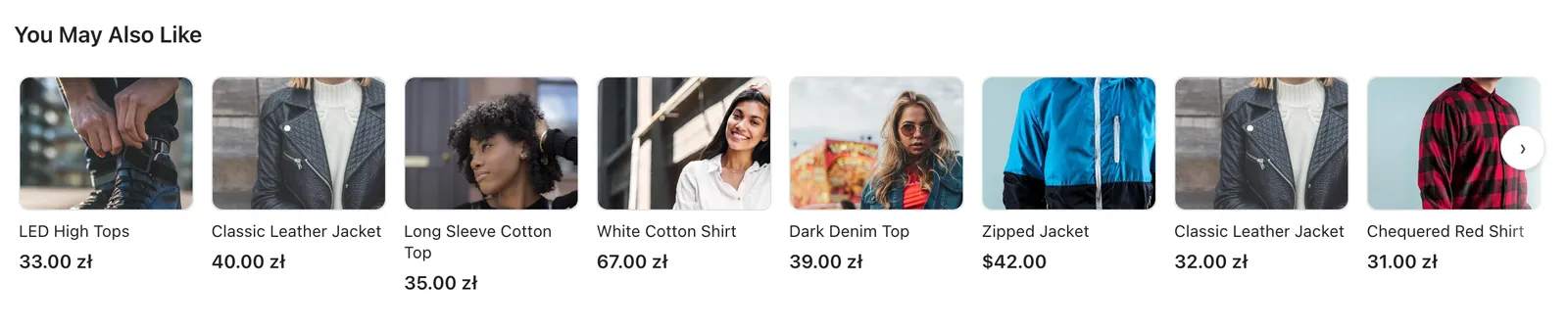
- Banner ads placed within product and collection pages

- Native ads blending into content sections
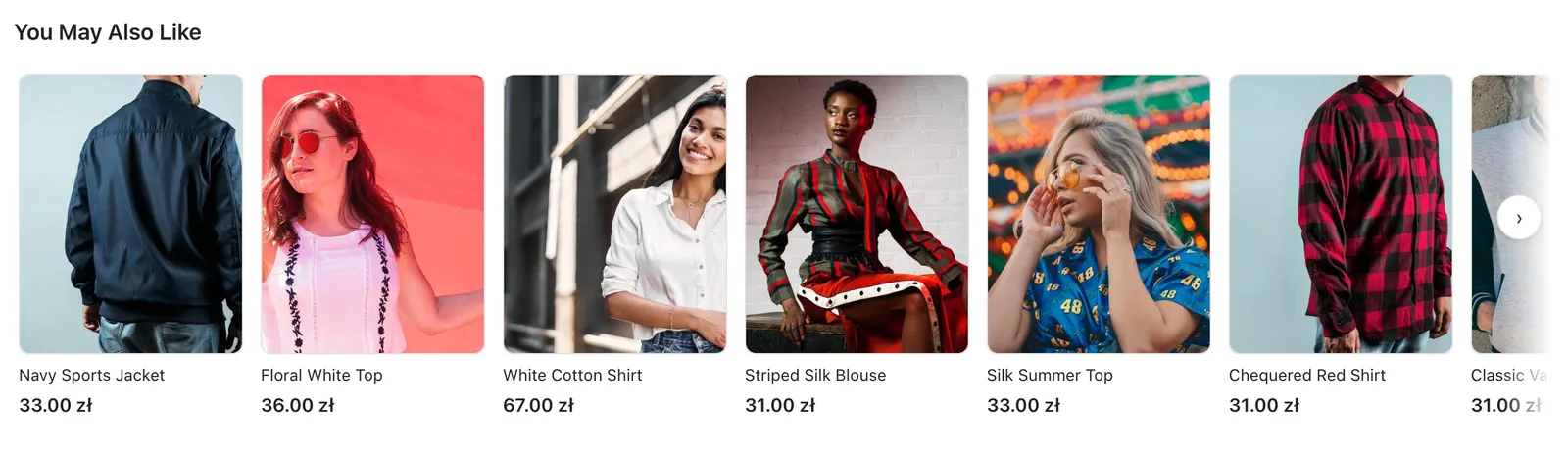
- Notification ads styled to match modern UI patterns
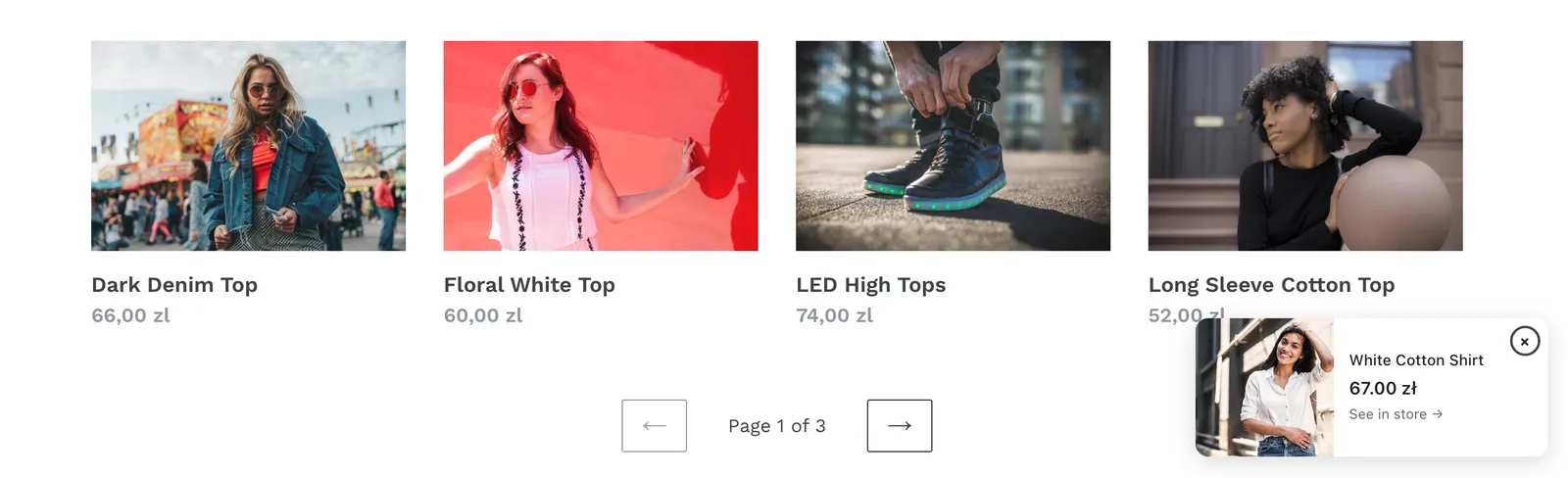
These examples show how ads adapt visually to a Shopify theme while remaining clean and unobtrusive.
Part of a bigger wave of improvements
This redesign is not just a cosmetic change.
It is part of a larger tranche of updates we are rolling out for Adeagle ads, including significant improvements in:
- Targeting
- Retargeting
- Ad relevance across partner stores
Better design + better targeting means ads that not only look good, but also perform better by bringing more relevant visitors and real sales to your store.
Already live, no action required
If you are already displaying Adeagle ads on your store, the new designs are live automatically.
There is nothing you need to install or update.
You can simply review the new look and adjust color settings if you want.
More improvements are coming soon, and we are excited to keep making Adeagle ads better for both store owners and shoppers.
Stay tuned.
Questions
No. If your store already shows Adeagle ads, the new design is live automatically. You can review it and adjust the colour settings if you want.
Yes. Turn on colour inheritance and the ads adapt to your theme's background and colours. Turn it off to set the font, border and accent colours yourself.
Only the free Standard plan. It is an ad exchange, so your store shows partner ads. On every paid plan your store shows no partner ads.