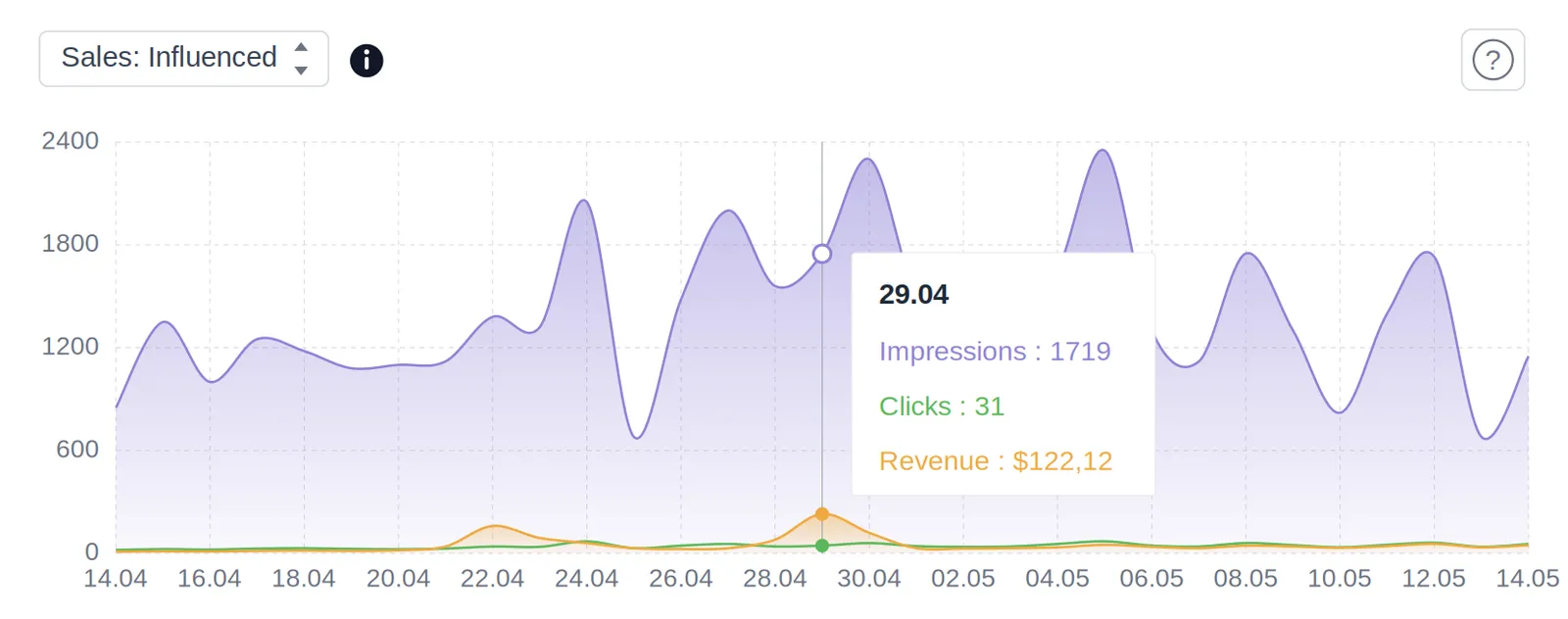
We have added a new section in the menu – Click Analytics – where you can analyze clicks across different campaigns. You can take a closer look at the customers’ interactions with your products from two different perspectives:
– in a chronological order,
– listing most popular products and the number of clicks they acquired.
We have also added an option to edit Campaign Priority in the Settings section and in Click Analytics section as well. This way, after analyzing the most clickable products and most promising campaigns, you can boost them with giving them the highest priority.
Questions
In the Click Analytics section. It shows the most recent clicks and the most popular products, for one campaign or all of them.
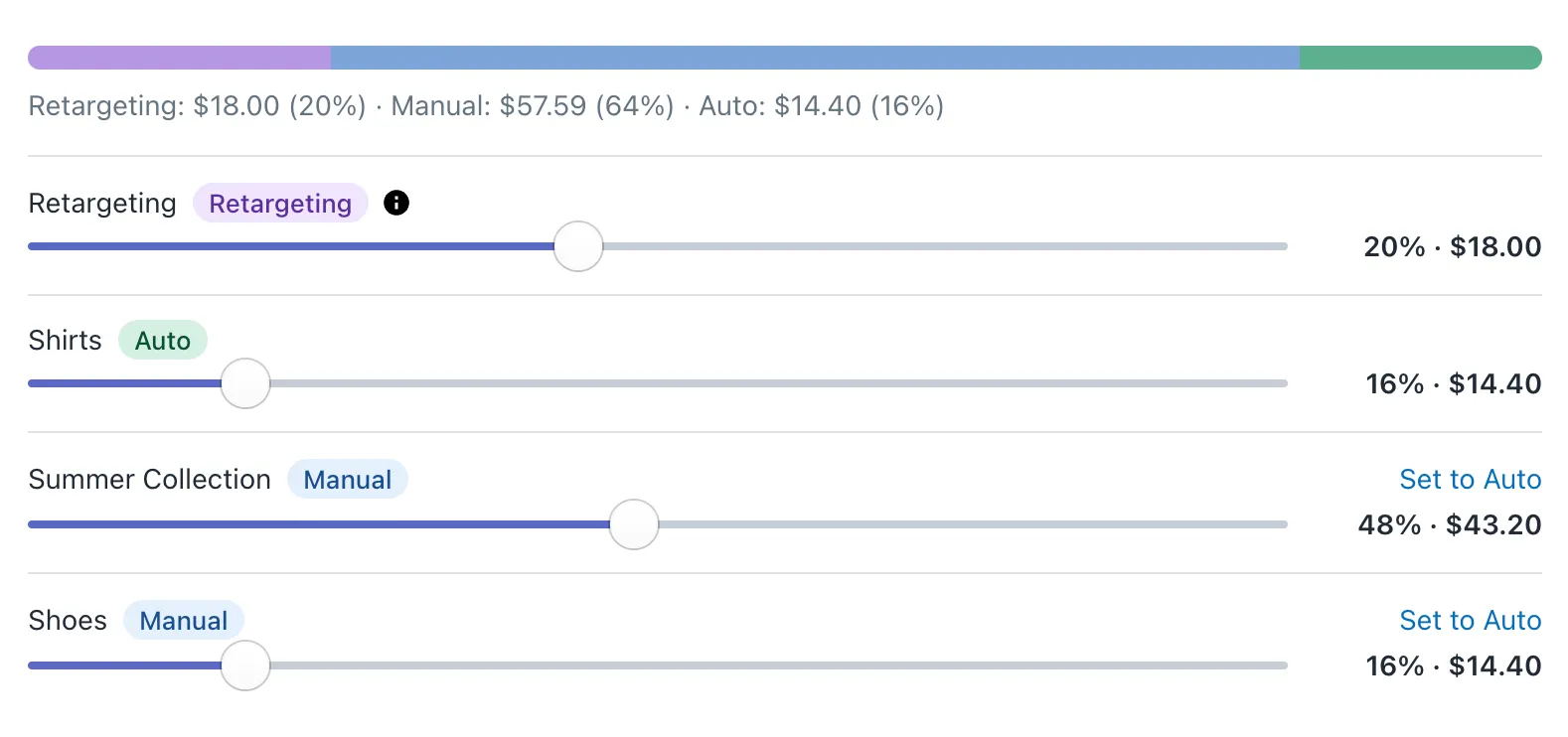
No. Campaign priorities were replaced in July 2026 by per-campaign budgets - each campaign is Auto or Manual, and you give more budget to the ones that perform.