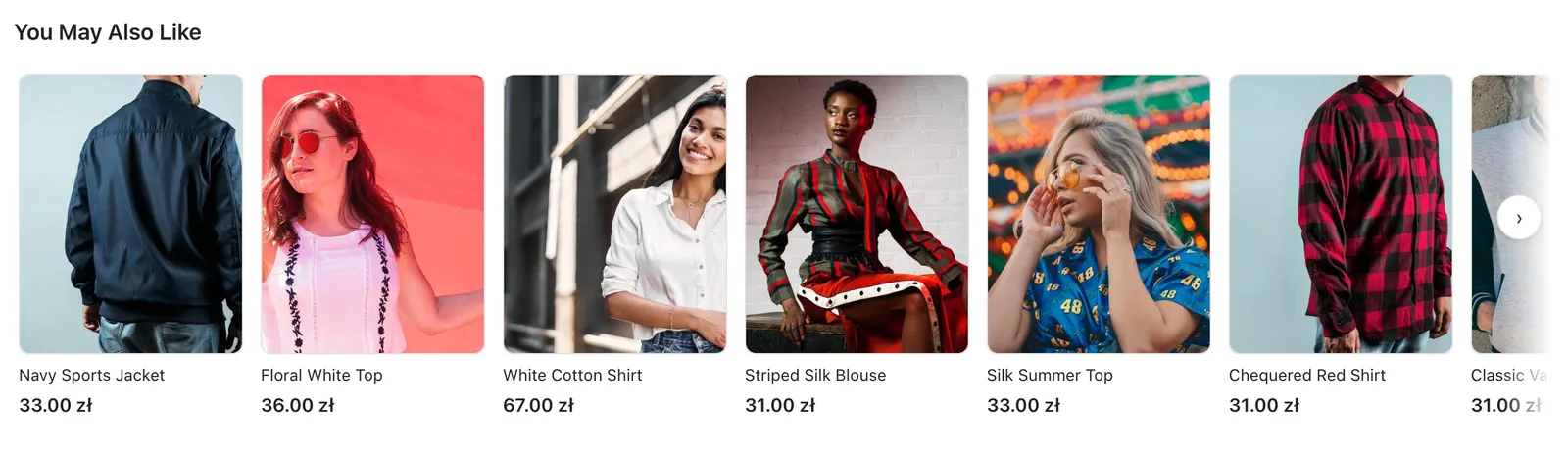
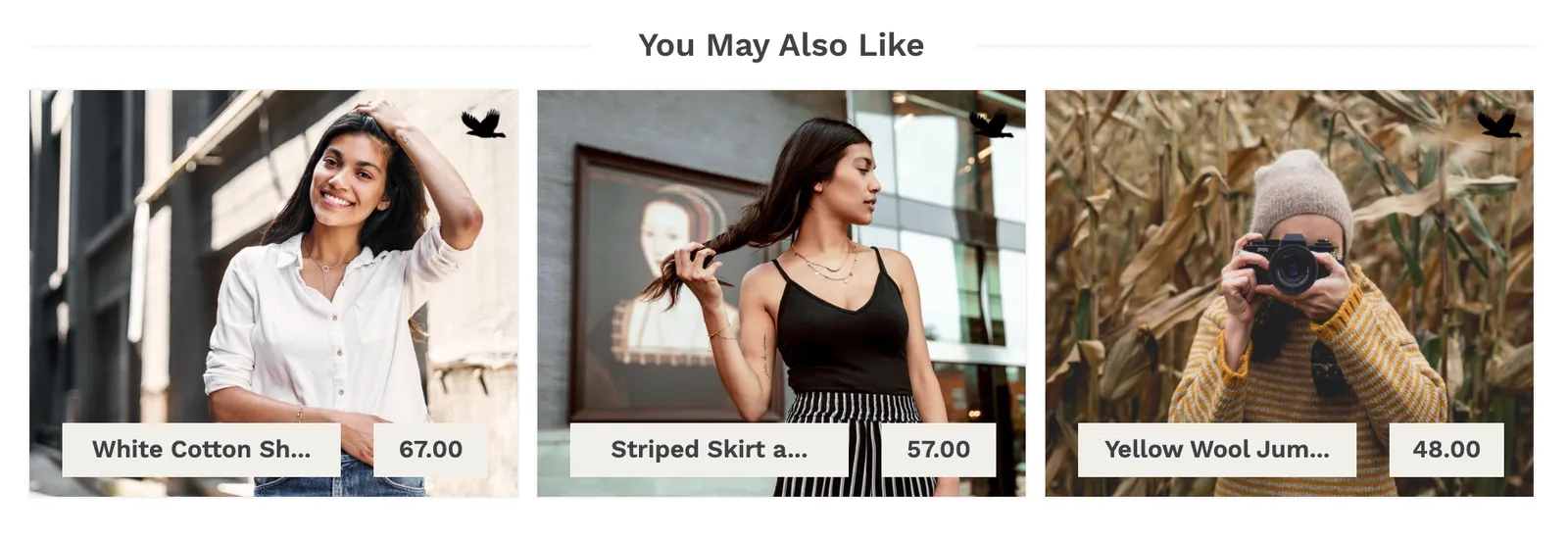
We’ve just added an option to customize the ads displayed on your website. So, if you take part in our ad exchange, you can now modify the look of the banners to better fit the design of your store.
You can set up:
– Theme Color – the dominant color of the ad,
– Font Color – the color of the font used in the product name, price and title,
– Border Color – the color of the borders around product photos.
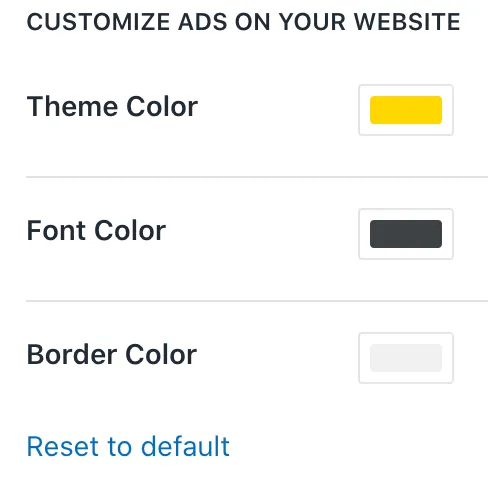
We’re very curious to see what kind of banner designs will you be able to come up with using this new feature! The customization is available in Settings.
Questions
Yes. In Settings you can set the theme colour, the font colour of the product name and price, and the border colour around product photos.
Yes. Since December 2025 the ads can inherit your store theme's colours, so you do not have to pick them by hand.