
The Adeagle blog
Product updates from the team, step-by-step tutorials, and practical marketing for small Shopify stores.
-
 Shopify how-tos
How to change your Shopify store name and domain
Change your Shopify store name, your myshopify URL and your custom domain step by step, and what to check afterwards so customers and search engines follow.
4 min read#store-setup #seo -
 Marketing
Promoting your Shopify store: a complete guide
Ways to promote a Shopify store - social media, SEO, email, content, influencers and ad networks - with what each one takes and the results you can expect.
10 min read#advertising #campaigns -
 Shopify how-tos
How to add products to your Shopify store: a simple guide
Add a product to your Shopify store step by step - title, description, images, price, inventory and variants - so it is ready to sell and to advertise.
3 min read#product-feeds -
 Shopify how-tos
How to add Products to Collections on Shopify
Add products to manual and automated collections in Shopify, step by step, and keep your Adeagle campaigns in sync when a collection gets new products.
3 min read#store-setup #product-feeds -
 Shopify how-tos
How to remove “Powered by Shopify” from your store
Remove the "Powered by Shopify" line from your store footer in a few steps, through the theme editor or the theme code, so your store looks fully your own.
2 min read#store-setup - Tutorials
Getting started with Adeagle
New to Adeagle? Install the app, choose a plan, create your first campaign and learn what to check in the first weeks, with a short tour of each section.
6 min read#campaigns #targeting -
 Marketing
Free ways to get more traffic to your Shopify store
Get more visitors to your Shopify store without paying for ads - social media, SEO, content, email, communities and partnerships - and keep them coming back.
16 min read#advertising #content-marketing -
 Changelog
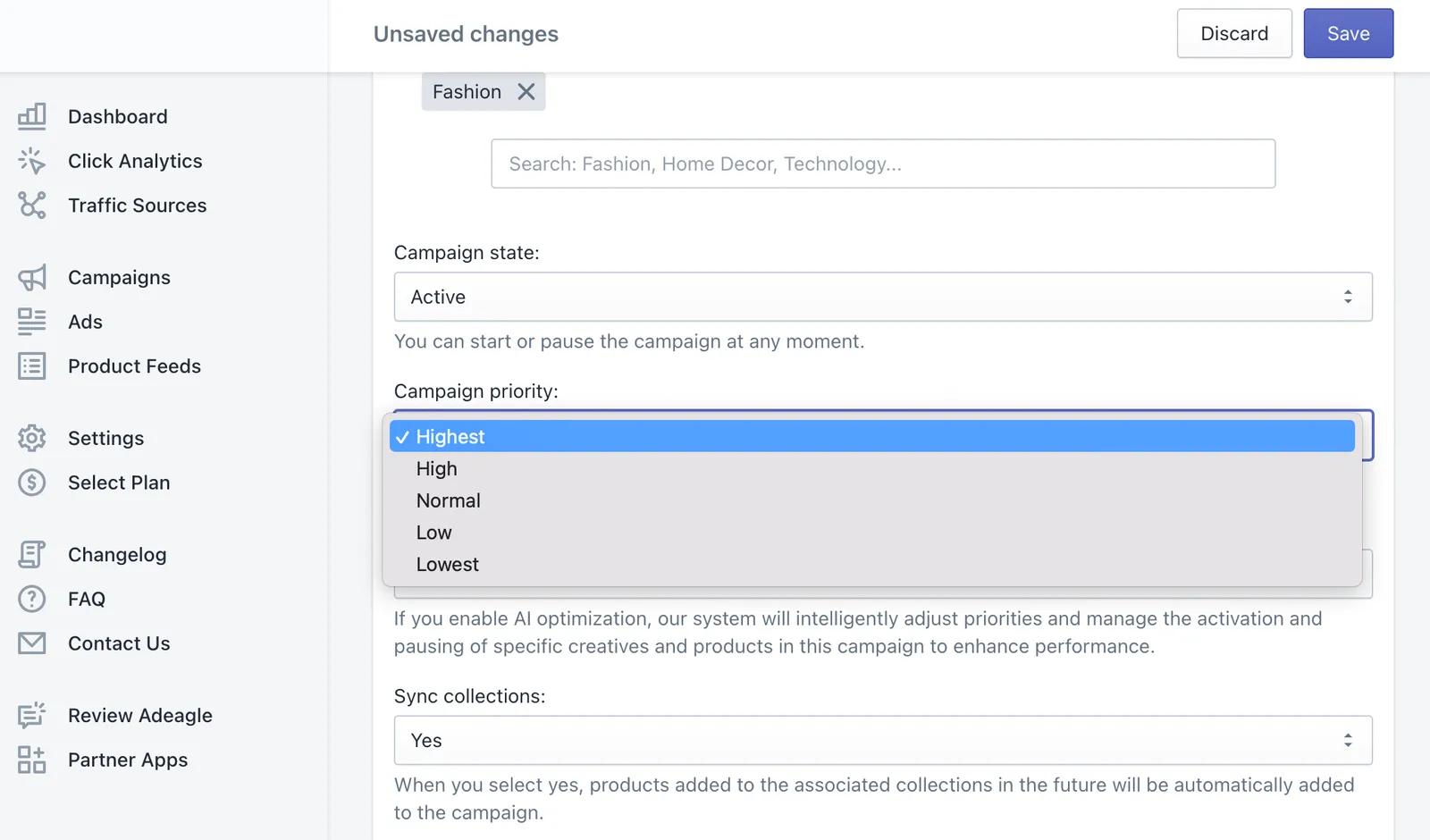
Introducing campaign prioritization
Set a priority on a whole campaign, not only on its ads and products - the higher the priority, the more impressions the campaign gets from your pool.
1 min read#campaigns #priorities -
 Changelog
More control over your ads
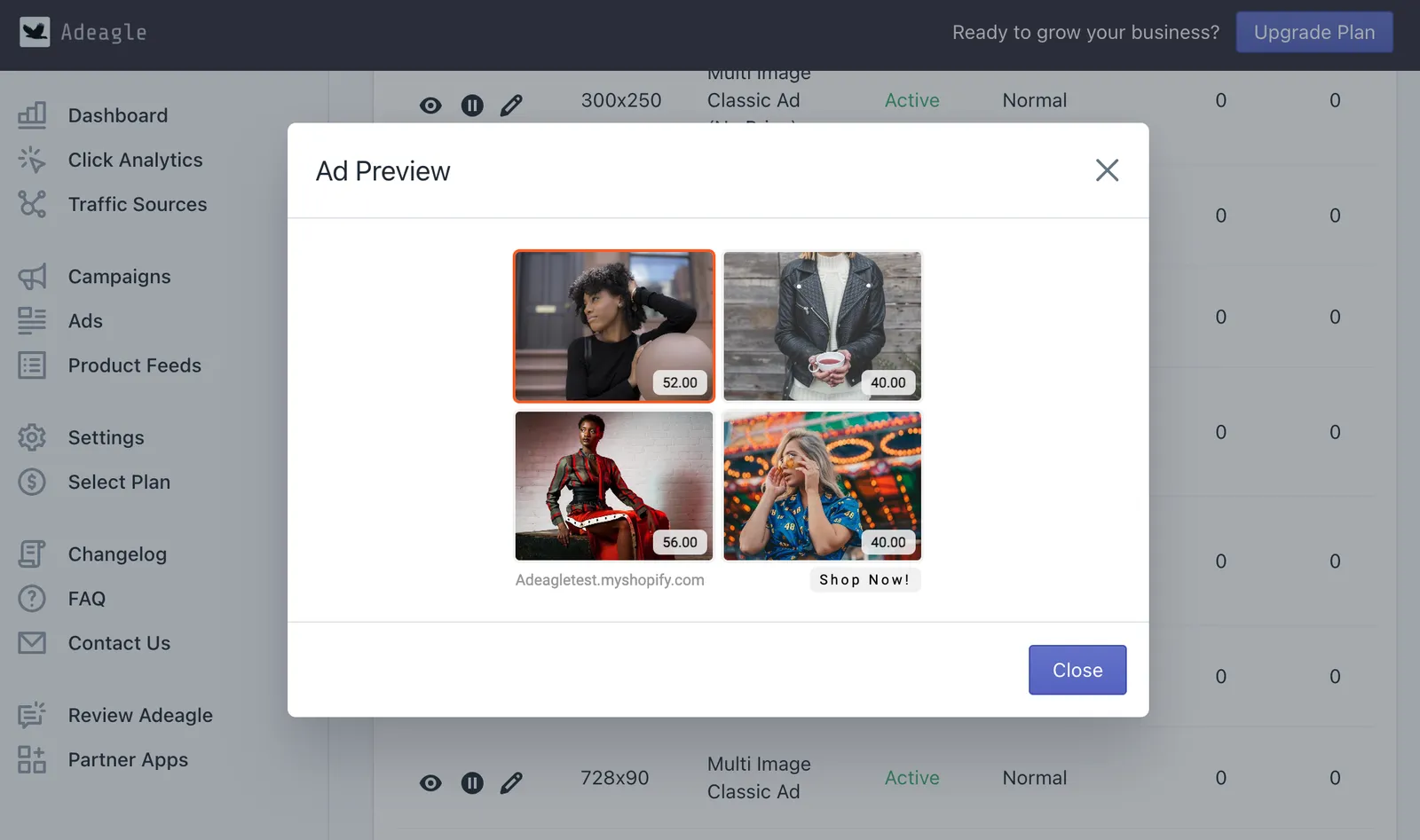
The Ads section was split in two - Product Feeds for products and their fields, and a new Ads section to preview, compare and prioritize every single banner.
1 min read#advertising #product-feeds - Changelog
More ad impressions for the same price
In 2023 we doubled the ad impressions in every plan again, at the same price, from 10,000 on Essential to 300,000 on Ultimate. Existing users upgraded too.
1 min read#impressions #plans - Changelog
New campaign categories, interest-based targeting
We expanded campaign categories to 30 for more precise placement, and added interest-based targeting so your ads reach the shoppers who care about them.
2 min read#targeting - Changelog
Traffic Sources
The new Traffic Sources section shows which websites and apps showed your ads and sent visitors to your store, with the clicks and share from each one.
1 min read#traffic-sources