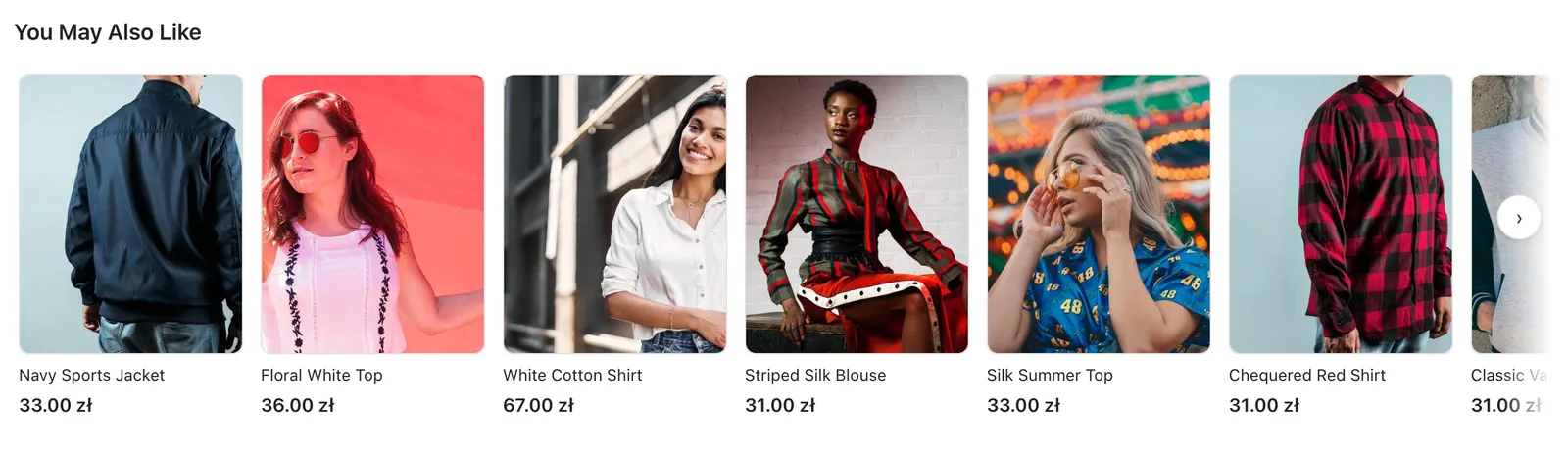
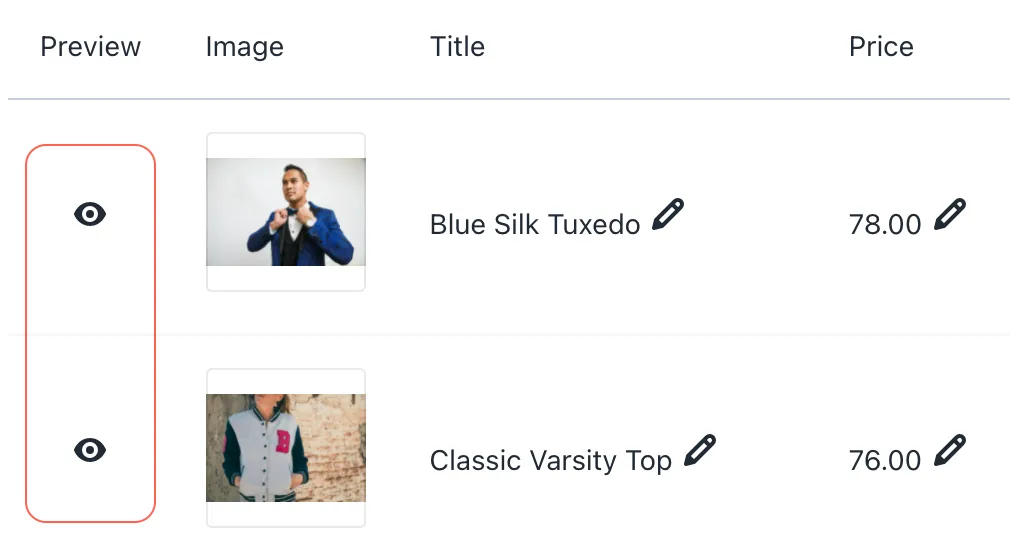
You can now preview your ads to check how they will actually look. The option is available in the Ads section. You can preview a particular ad by clicking on the icon showed on the picture below.
Questions
Open the Ads section and click the preview (eye) icon next to the ad.
Yes. In the Product Feeds section you can edit the title, price and image used in the ads.